Purpose
We develop tools to harness biological innovation across the tree of life and routinely depict a variety of model and non-model organisms in our pub figures and talks. For our Zoogle project 1, our in-house illustrator generated a particularly large set of images of diverse research species. We thought it would be helpful to share these visuals freely with the scientific community to enhance the accuracy and quality of scientific illustrations in research publications, presentations, and other media.
We’ve compiled professional-quality illustrations of 71 organisms in our initial release (including a few viruses, which we’ve lumped in with traditional “organisms”). The library encompasses well-known model organisms like mice, zebrafish, C. elegans, Drosophila, and E. coli, plus a variety of less-studied but potentially powerful models like tardigrades, amoebas, and algae.
We’re sharing vector and raster images (with transparent backgrounds) of each creature so you can use them in different ways. We include a few GIFs as well. They’re all copyright-free and we've shared them under a CC0 license that puts them into the public domain. We hope you’ll find them helpful and let us know what you do with them!
The illustration library
We’re sharing illustrations of a wide variety of organisms so others can use them to enhance communication about biology, evolution, and the natural world. As we add to this library, new organism image files will appear in real time in the embedded library, and we’ll periodically archive them on Zenodo.
Everything in this library is available under a CC0 license, which has no usage restrictions. That said, feel free to cite this pub to let us know you found it useful and help others find this resource.
Each organism in this initial upload has at least three types of image files (see “What types of image files are included?”). We adapted some of the illustrations from PhyloPic silhouettes — we provide credit for these in the “Notes” field.
By default, the library sorts organisms A–Z by scientific name, and you can search by scientific or common name. For organisms without a generally accepted common name, we chose one we felt would be most widely understood.
Browse the embedded library
Click on a card to preview and download individual files. Or, open in a new tab.
Access an archived version of the illustration files on Zenodo (DOI: 10.5281/zenodo.17203577).
What types of image files are included?
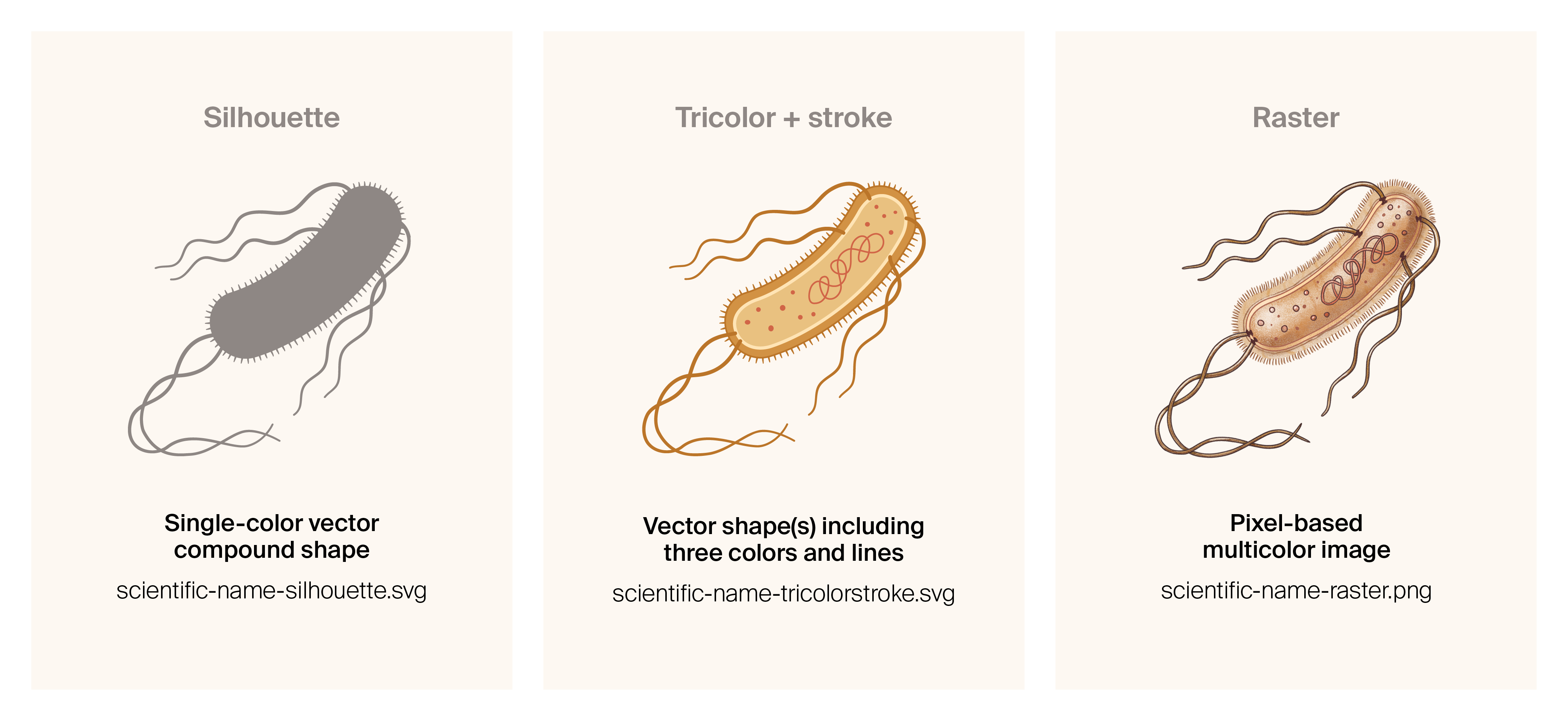
Image styles and corresponding file-naming conventions.
While we may not provide all three versions for every future addition, these three are available for the initial set of 71 organisms.
For most of the organisms included, we’ve shared three types of illustrations: silhouette, tricolor + stroke, and raster (file-types). These all have transparent backgrounds. Read on to learn more about these options and how you might use them.
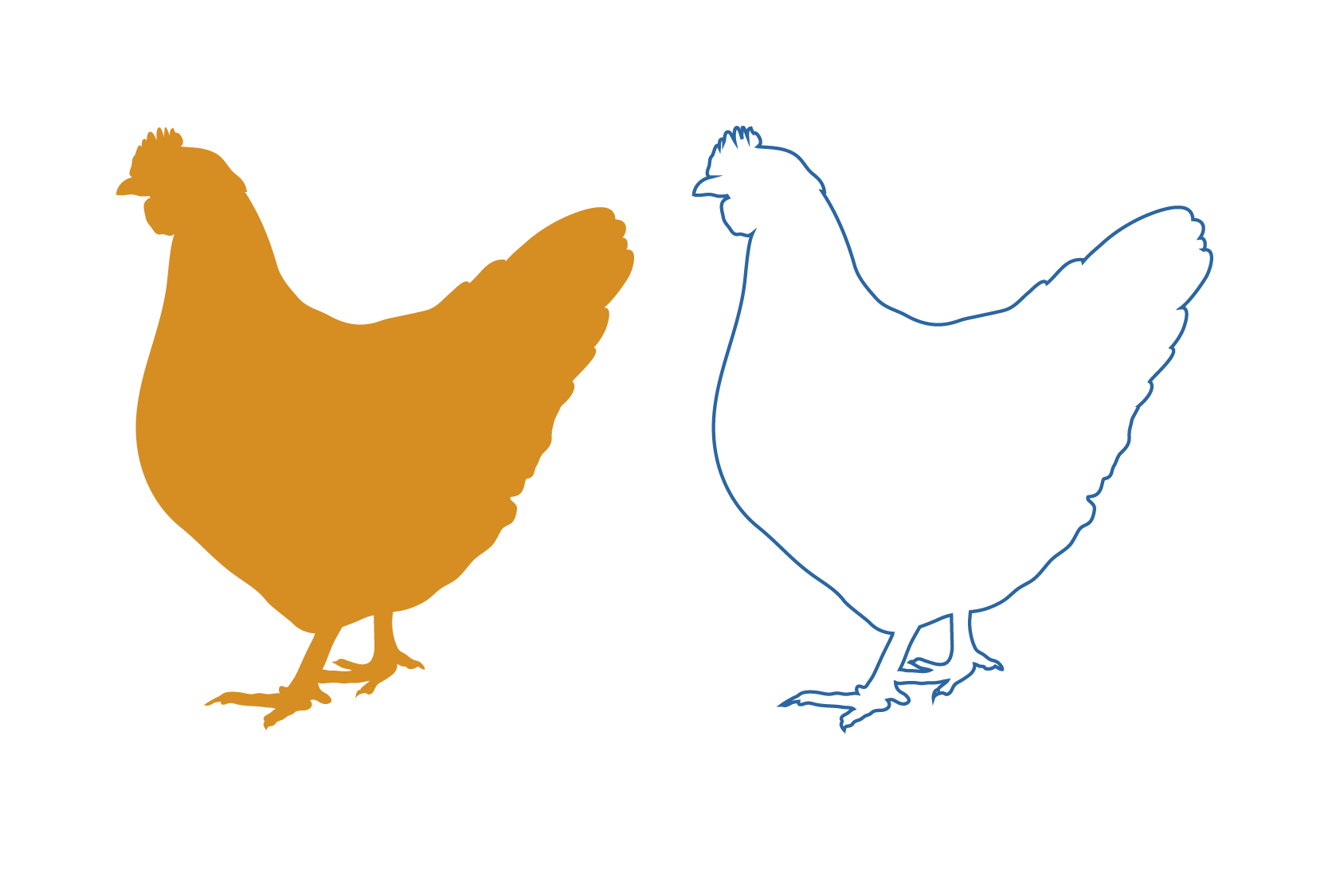
Silhouette
The silhouette is our most basic file type and can be used for icons or as a starting point for adding your own details. Vector files are scalable without losing detail or smoothness. You can also easily invert a silhouette to show a hollow outline of the organism.
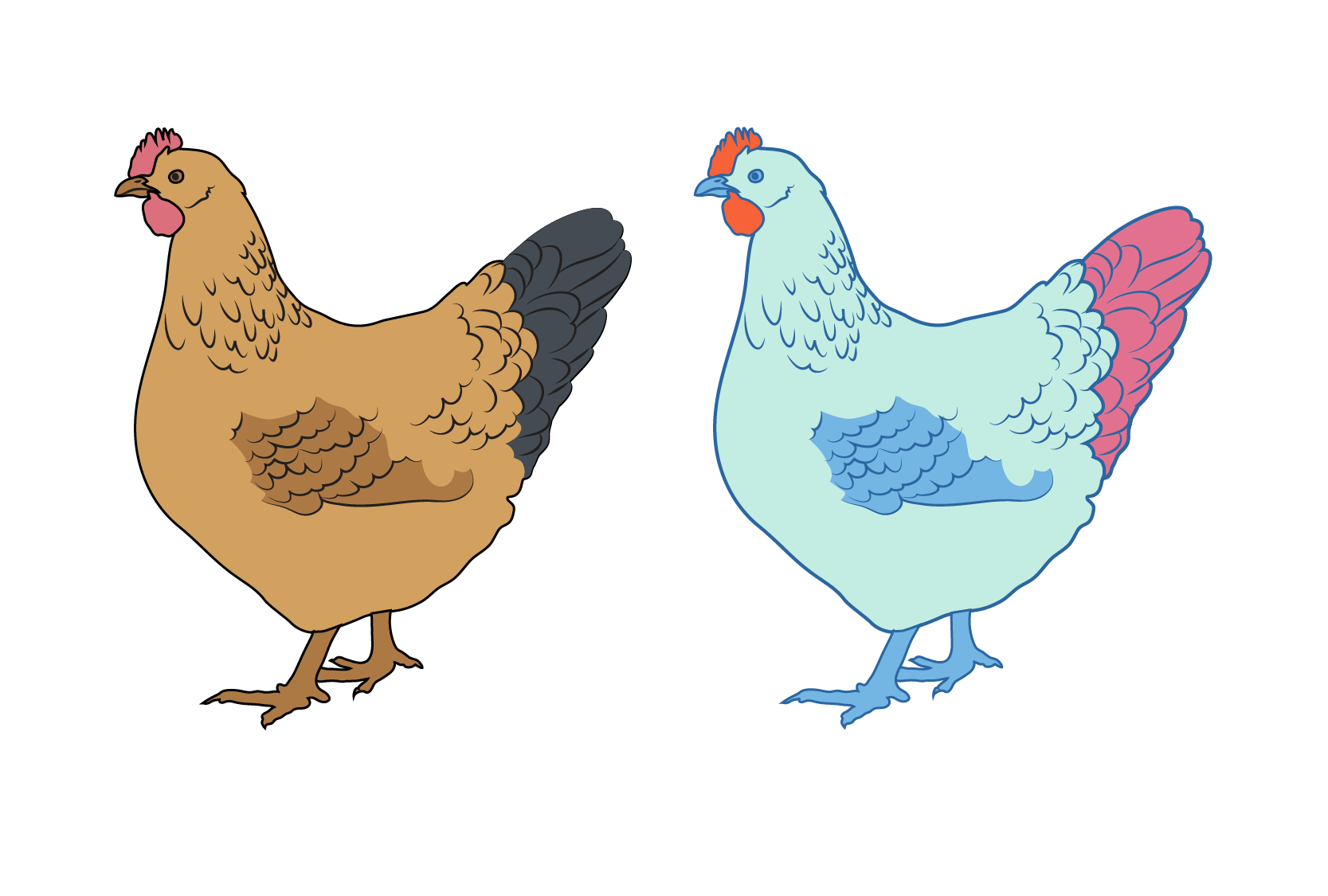
Tricolor + stroke
This is a more detailed vector than the silhouette, and incorporates line details (or strokes), including an outline. You can easily change shapes, colors, and line widths. Note that, depending on program settings, the stroke width may not scale in proportion to the filled shapes.
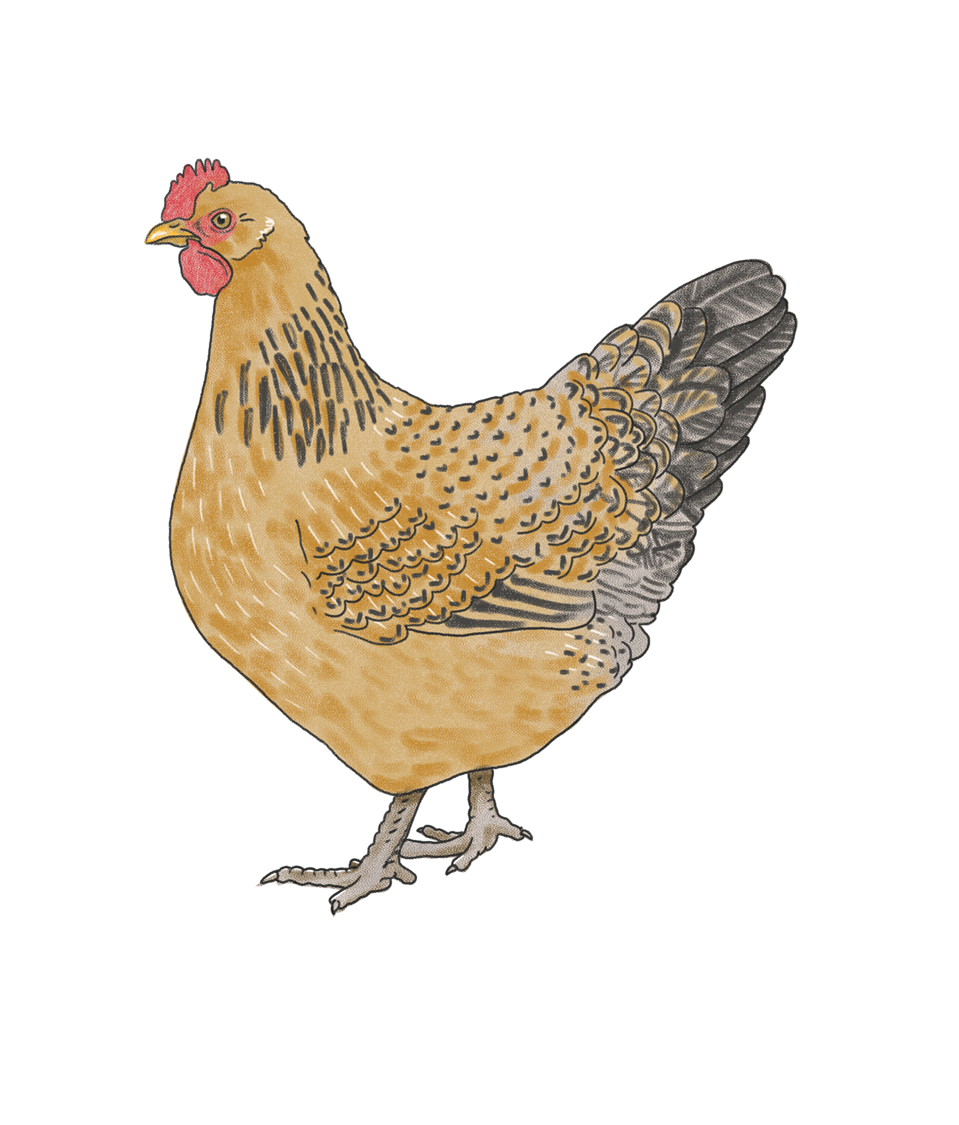
Raster
Raster image files are pixel-based. They include more detail and texture than vector files, but they may become pixelated if scaled too large, and they’re more difficult to edit. They have a hand-drawn aesthetic and a broad range of colors.
Illustration and pub preparation
We browsed the web for reference photos of a given organism and, where possible, sourced from scientific papers describing morphology. We made sketches based on the reference images and vectorized them using Adobe Illustrator (2025). For images derived from PhyloPic silhouettes, we made minor compositional adjustments and cleaned up the vectors to make simpler shapes.
We used Claude (Sonnet 4) to generate search engine optimization (SEO) ideas and incorporated some of the suggested keywords into the text.
Next steps
As we generate new illustrations, we’ll add them to the library. We’d love to hear feedback from you on what might make this resource more usable. And have you spotted any errors we should fix? Feel free to comment publicly at the end of the pub or use the form below to submit scientific errors.
We’d also really appreciate seeing examples of how you’re using these graphics. Please tag us on social media or share in a comment!
Acknowledgments
Thank you to Mitch Centers for animating some of our illustrations and providing us with GIFs to include in the library.
Be the first to comment on this publication.